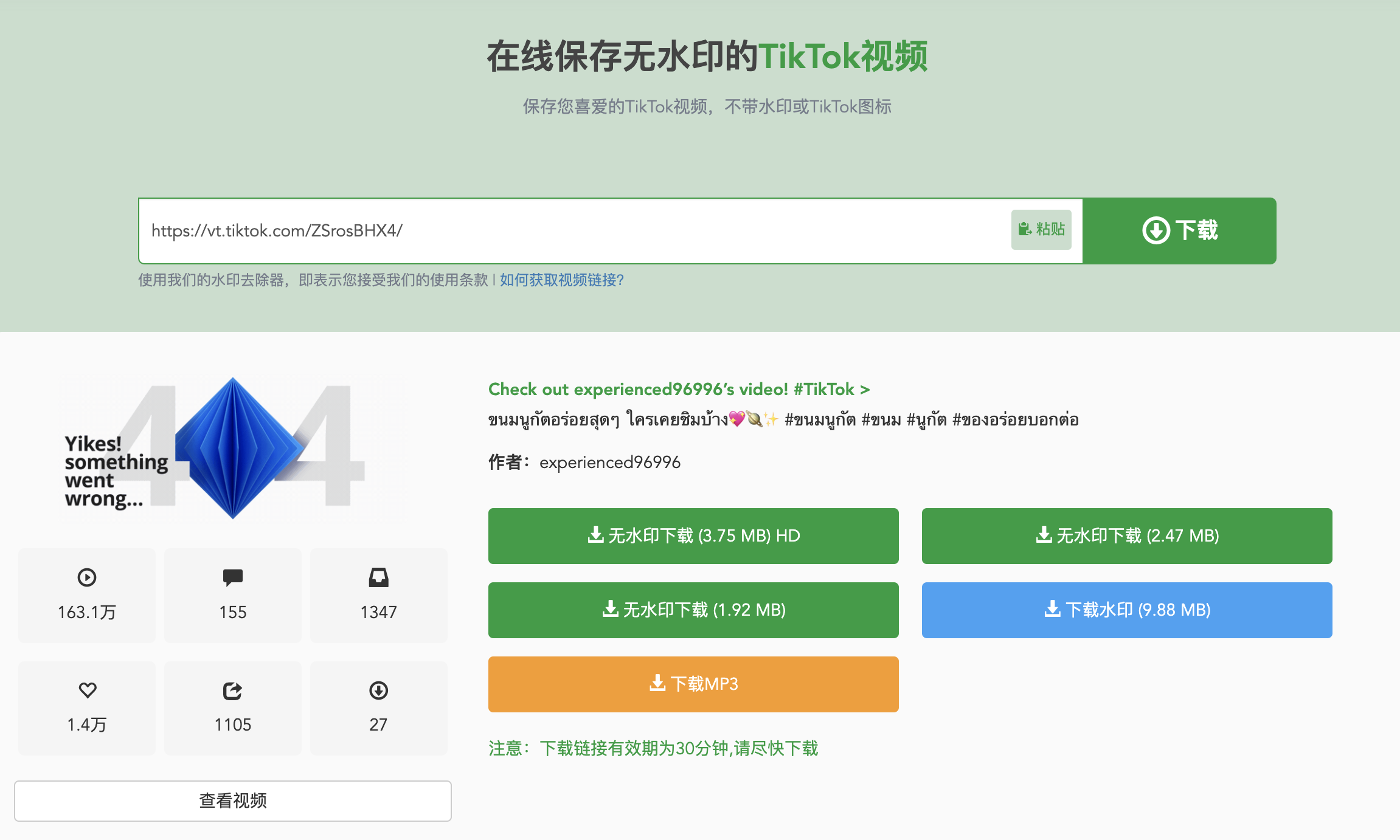
How to save TikTok videos without watermarks, it is very simple to use VidSpark to download TikTok videos or pictures without watermarks. Steps to parse and download TikTok videos:
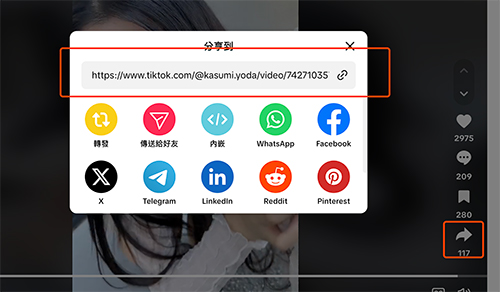
Step 1:Find the TikTok video/graphics you want to download and copy the link to the video you want to download
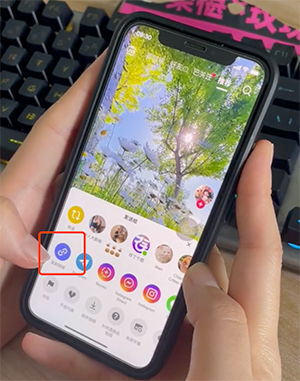
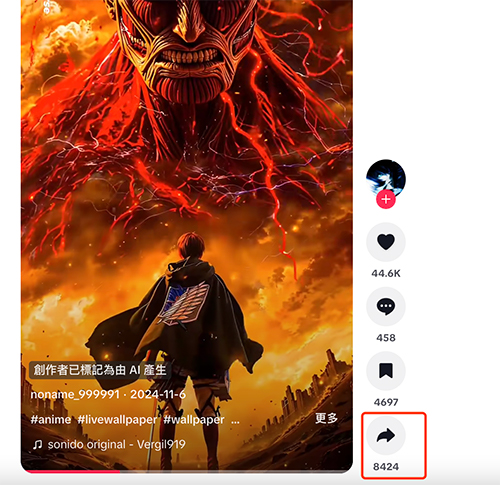
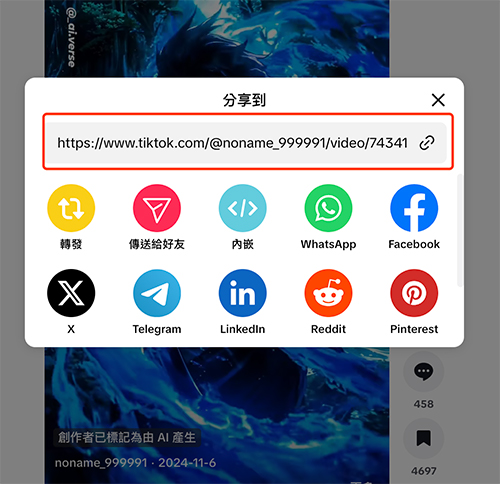
Step 2:Click the"Share"icon on the TikTok video page. When the video plays a story video, you will see a"Share"icon in the upper right corner of the screen. Click it and select Copy Link from the pop-up menu.
Step 3:Paste the link you just copied in the input box on the homepage, wait for a while for the service to be parsed, and the relevant download address will be automatically displayed.
Step 4:Once the download address is successfully displayed, you can select the version of the video you want, and then click the"Download"button next to it, and you will see several video options. The video downloader allows you to download TikTok videos without watermarks (MP4), watermarks (MP4), and MP3 formats.